How to look up a Lost Ark character by region and name
Characters in Lost Ark belong to one region, and the same name can exist in several. Character lookup asks for both, opens the character's own address and shows the class, level, item level and server the game's character service last reported, with the date it was recorded.
Choose the region and type the name
The region list uses the game's own region names, from West North America to Western Europe. Names are case-insensitive and keep their dashes. The tool remembers your last region, so a second lookup needs only the name.
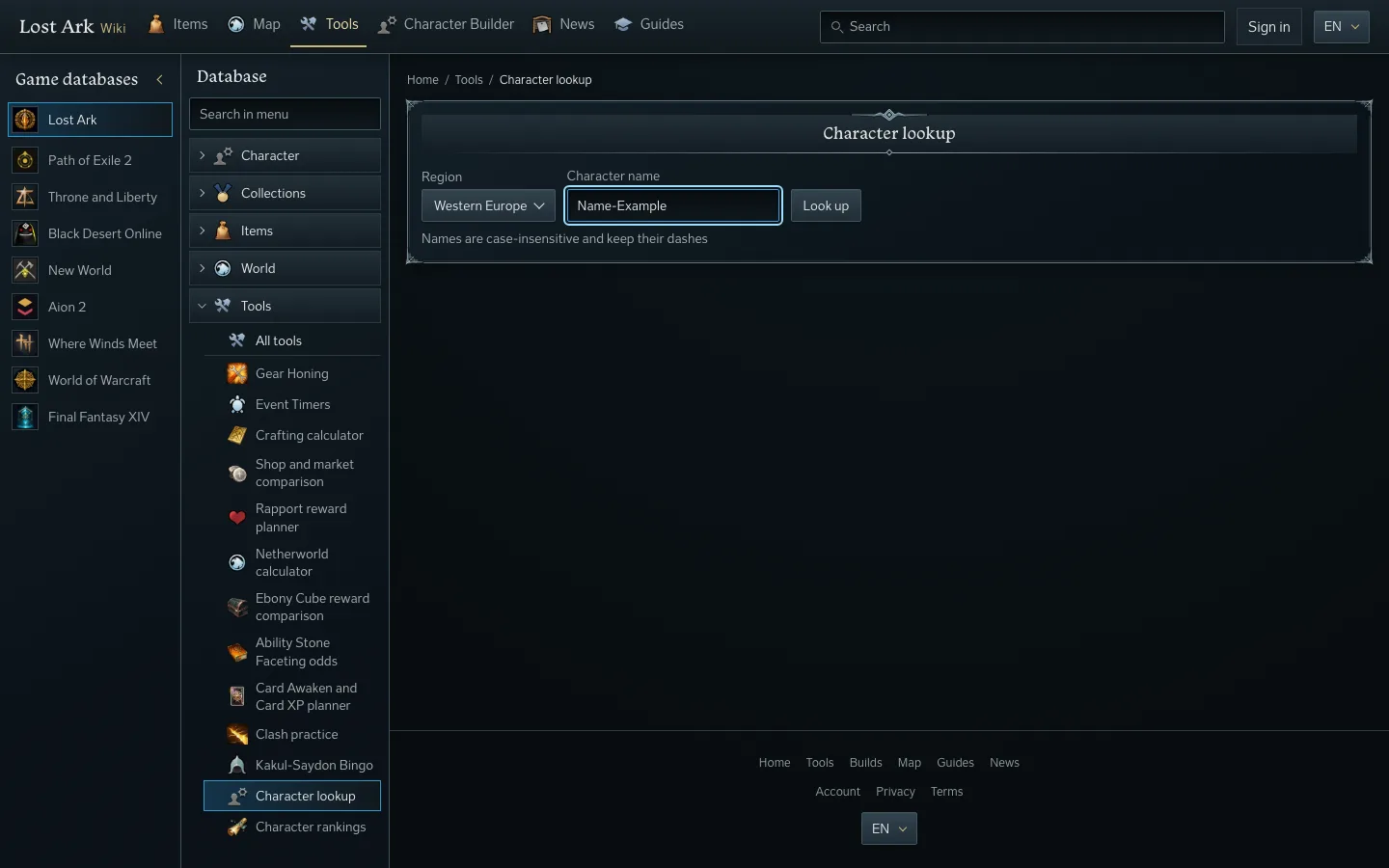
Read the answer
A found character shows its class as a link to the class page, its level, its item level and its server. The same character in another region is a different lookup: a name that exists in one region answers "No character with this name exists in this region" in the others.
If the character service cannot be reached, the page says so and shows nothing for the character. It never fills in a class or an item level. Try again repeats the request, and the links to the rankings and to a new lookup stay on the page.
Compare with your own item level
Type your own item level under the character. The page shows how many points the character is above or below you and remembers your value for the next lookup. From the same page you can plan the character's class in the character builder or open the character rankings.